

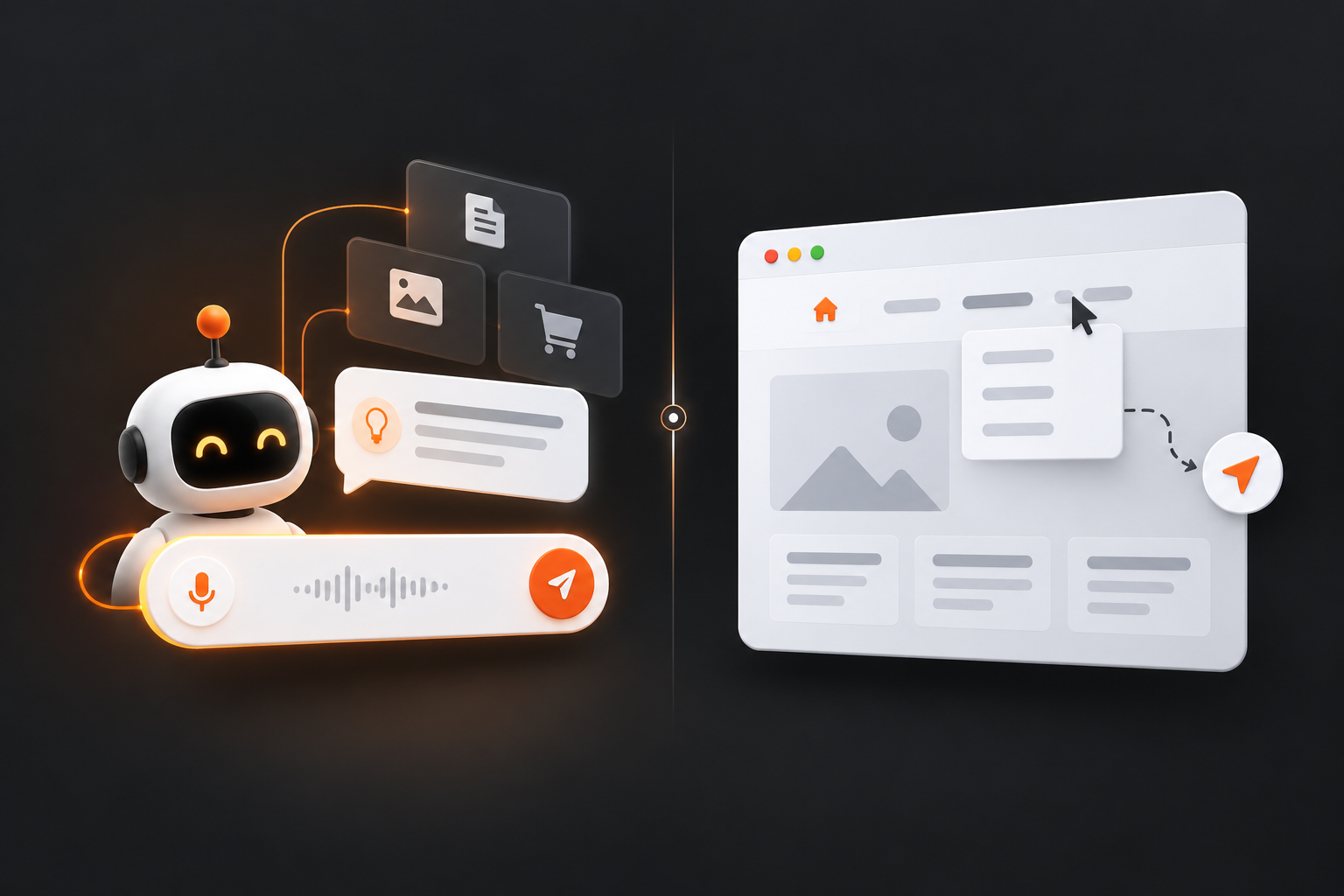

AI-powered search helps users find answers quickly, while website navigation helps users find and explore information within a website. They serve different purposes, so websites should use both rather than choosing one over the other.
In 2026, search is changing quickly. People can now ask detailed questions through AI-powered search experiences such as Google AI Overviews, Google AI Mode, ChatGPT, and other AI search tools. At the same time, website visitors still use menus, categories, internal links, breadcrumbs, filters, and site search to move through websites.
The main difference is simple: AI-powered search is answer-focused. Website navigation is journey-focused.
What is AI-Powered Search?
AI-powered search uses artificial intelligence to understand a user’s query and provide a direct, conversational answer instead of only showing a list of webpages. It understands the query’s meaning and context to find and summarize relevant information.
In simple terms, AI search gives answers; traditional search mainly gives links.
What is Website Navigation?
Website navigation is the system that helps users move between pages and sections of a website. It includes menus, categories, breadcrumbs, internal links, filters, and website search.
Unlike AI-powered search, which aims to provide a direct answer, website navigation helps users browse, explore, and understand how a website is organised.
AI-Powered Search vs. Website Navigation
AI-powered search helps users ask for what they want, while website navigation services providers in Nashik help users explore what a website offers.
|
AI-Powered Search |
Website Navigation |
|
Answers questions |
Organises information |
|
Understands natural-language queries |
Uses categories and links |
|
Good for specific questions |
Good for browsing |
|
Can summarise information |
Shows relationships between pages |
|
Can reduce the number of searches |
Helps users discover related content |
|
Works through conversational queries |
Works through site structure |
|
Useful for complex questions |
Useful for exploration |
|
May provide an answer immediately |
Guides users through a website |
When is AI-Powered Search Better?
AI-powered search is better when the user already knows what they want to ask.
For example:
- What is your return policy?
- Which plan includes API access?
- How do I reset my password?
- What documents do I need to apply?
- What is the difference between these two products?
These are direct questions. The user does not necessarily want to browse ten pages to find the answer. AI-powered search can reduce that effort by interpreting the question and finding the relevant information.
When is Website Navigation Better?
Website navigation services is better when users want to browse, compare, or explore multiple options. It helps users understand the available choices and move through related pages.
For example, on a university website, users can explore Courses → Undergraduate → Computer Science → Specialisations. On an e-commerce site, they can browse Laptops → Gaming Laptops → 16-inch Laptops and compare products by price, processor, RAM, storage, display, graphics, and reviews.
AI search helps users find specific answers, while website navigation helps them explore and compare choices.
Why Website Navigation is Still Important in 2026
AI search has not made website navigation unnecessary. They serve different purposes AI search helps users get specific answers, while navigation helps users discover, explore, and compare information.
Users do not always know exactly what they need. For example, someone looking to improve a website may need SEO, better content, a redesign, conversion optimisation, technical improvements, or faster performance. Website navigation helps them discover these options.
AI Search vs. Website Navigation
AI search: Question → Answer
Website navigation: Starting point → Exploration → Information → Action
For example, a user asking “What is technical SEO?” can get a quick answer through AI search. A website can then guide them through related topics such as crawling, indexing, JavaScript SEO, and structured data.
AI search answers the immediate question website navigation helps users discover what to explore next.
How AI Search Changes Website Discovery
Traditional search often follows:
Search → Search result → Website → Page
AI search can create a different path:
Question → AI answer → Source link → Website
This means users may discover a website through a relevant answer rather than by searching for the exact page title. Clear, useful, and well-structured content therefore remains important.
How to Make a Website Easier to Understand
Keep the website simple and well organised:
- Use clear headings that describe the topic.
- Answer important questions directly.
- Explain closely related concepts naturally.
- Connect relevant pages with internal links.
- Keep important information available as text.
- Make important pages crawlable and indexable.
For example, a page about AI-powered search can naturally connect to semantic SEO, search intent, entities, internal linking, and technical SEO.
Website Navigation and Information Architecture
Website navigation is part of information architecture the way information is organised across a website.
A clear structure might look like:
Home → Resources → AI Search → AI Overviews
And under AI Search:
- AI Overviews
- AI Mode
- AI Search Optimisation
- AI Search vs. Traditional Search
- AI Search vs. Website Navigation
A logical structure helps users understand where they are and what they can explore next.
AI-Powered Search vs. Internal Website Search
These are different.
AI-powered search can understand natural-language questions and provide more conversational results.
Internal website search helps users find information or products within a specific website.
For example, instead of searching only for “running shoes”, a user could ask an AI-powered website search:
I need running shoes for daily road running under ₹10,000.
The system can use the user's intent to return more relevant options. For large websites, AI-powered internal search can therefore work alongside traditional navigation and filters.
Should AI Search Replace Website Navigation?
No.
Some users want a quick answer, while others want to browse, compare, or explore.
- AI search: Find answers quickly
- Navigation: Browse categories and sections
- Internal search: Find specific content or products
- Filters: Narrow down options
- Internal links: Discover related information
- Breadcrumbs: Understand website location
The best websites give users more than one way to find information.
AI Search and Website Navigation for Content Websites
A content website can use the same approach.
A visitor searching for “What is semantic SEO?” may read the answer and then want to explore:
- Entities
- Search intent
- Internal linking
- Topical authority
- AI search
Clear navigation and internal links can guide the visitor through these related topics without requiring another search.
How to Improve Website Navigation
A good navigation system should make three things clear:
Where am I?
Use clear page titles and breadcrumbs.
What can I find here?
Use descriptive headings, categories, and labels.
Where can I go next?
Use relevant navigation and internal links.
For example:
Home → Resources → AI Search → AI-Powered Search vs. Website Navigation
The user can immediately understand the page's position within the website.
What Should Websites Focus on in 2026?
The practical approach is simple:
- Create useful content that answers real questions.
- Build a logical website structure with clear categories.
- Use relevant internal links between related pages.
- Keep navigation simple instead of relying entirely on AI.
- Improve internal search on large websites.
- Maintain technical SEO so important pages can be crawled and indexed.
- Show real expertise through original information, experience, research, and evidence.
- Measure AI search visibility using Google Search Console's Generative AI performance reporting. Google introduced this reporting in 2026 to help site owners understand how their content performs in generative AI features.
AI-Powered Search vs. Website Navigation: Which Is Better?
Neither is better in every situation.
- “What is your refund policy?” → AI search can provide a quick answer.
- “Show me all your products.” → Navigation is more useful.
- “Which product is best for my needs?” → AI search can help.
- “I want to compare your products.” → Navigation and filters are useful.
The right choice depends on user intent.
The Best Approach: Use Both
A modern website should support different ways of finding information:
Navigation for browsing.
Internal search for finding specific information.
AI search for natural-language questions.
Internal links for discovering related content.
Breadcrumbs for understanding website structure.
AI search helps users find answers. Website navigation helps them explore what comes next. The strongest websites use both.
Conclusion
AI-powered search and website navigation serve different purposes. AI search provides quick answers, while navigation helps users browse, explore, and compare information.
In 2026, the best websites use both with strong SEO, clear structure, useful content, and internal links. The goal is simple make information easy to find, understand, and use.
Frequently Asked Questions
What is the difference between AI-powered search and website navigation?
AI-powered search helps users find answers by understanding natural-language questions. Website navigation helps users move through a website using menus, categories, links, breadcrumbs, and other site structures.
Is AI-powered search replacing website navigation?
No. AI search and navigation have different purposes. AI search is useful for direct questions, while navigation is useful for browsing and exploration.
Does AI search replace traditional SEO?
No. Google says traditional SEO best practices remain relevant for AI Overviews and AI Mode.
Should I add an AI chatbot to my website?
Only if it solves a real user problem. A chatbot can help users find information, but it should complement rather than replace clear navigation and internal search.
How can I track AI search visibility?
Google's Search Console now provides a dedicated Generative AI performance view for visibility from generative AI features, including AI Overviews and AI Mode.
Featured Reads
Latest Insights & Ideas

AI Sales Assistant
AI Sales Assistants for SaaS Startups: Guide 2026
Struggling to manage leads, follow-ups, and sales tasks with a small team? AI sales ass...
Read More
AI Sales Assistant
AI Chatbot vs AI Sales Assistant: What's the Difference?
What if your website could do more than answer customer questions? What if it could als...
Read More
SEO Intelligence
How AI Website Agents Can Help Improve SEO and User Experience
What if your website could improve SEO, guide visitors, answer questions, and capture l...
Read More